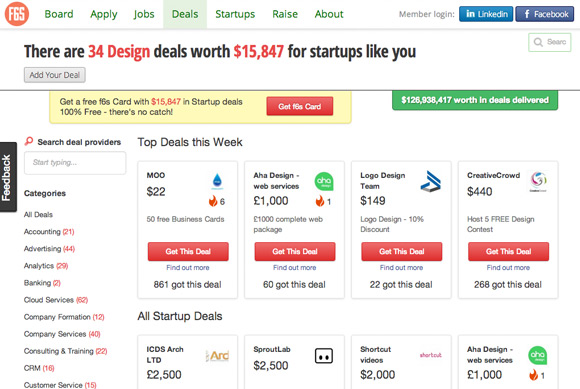
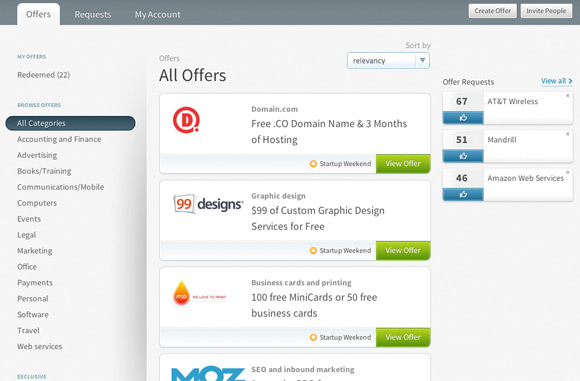
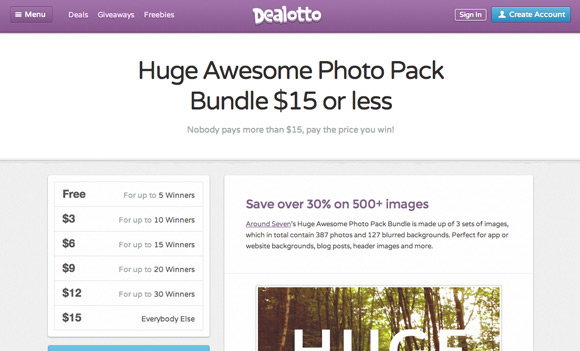
Templating; it’s a fantastic
web design idea
for pulling together a business’ online presence, and creating the
appearance of consistency.
It’s especially useful when there are multiple sites, product lines,
and/or tons of content. Either way, the last thing you want is a clamor
of different voices diluting the brand and confusing customers.
What is templating
Templating is a way to treat a page as a fixed layout that
accommodates changing content over time and in different locations.
Think of templates as storefronts. Rather than rebuilding every time the
store’s inventory (or typical customer) changes, you would simply place
the newest or most relevant products in the window displays; the shop
sign stays the same, the positions of windows and doors never varies,
the paint and window trim rarely (if ever) change, and only to colors
strictly prescribed on a short list.
Keeping to the storefront analogy, a set of websites or landing pages
can be treated rather like a franchise or chain. No matter where we are
in the world, we’ll know we’ve arrived at our favorite restaurant or
clothing store because it looks exactly the same in San Diego as it does
in New Delhi. So, for example, an entertainment brand with multiple
events can simply drop different event info and photos into each of its
event sites, which all have identical layouts.
Of course, there is also the idea of the web design template as a
saleable product, which many designers have explored as a way to
generate additional income, with varying degrees of success. In this
case, a template is developed purely for the purpose of purchasing and
customizing by others. It’s a jumping-off point, a framework, even a
creative spark, that other designers can bend or expand in varying
degrees, depending on time, need and inspiration.
The pros of templating
For both business development and design, a smart template system can
practically eliminate the cost (and stress) of a full redesign and, in
the case of an entertainment brand, fans (and investors) will
immediately recognize that the event was organized by the same company.
For content-heavy sites, templating is a way to coral articles and
images into databases so that it can be managed by non-designers. Biz
dev, marketing, and other departments can contribute their unique
knowledge by tagging articles according to their importance to the
company, directing it to display where the right audience will see it,
at the right time. Content that lives in a database, independent of any
particular page, can also be repurposed for multiple uses, and fed to a
templated page based on tags and/or categories as needed.
For designers, the process of establishing a template system can be a
satisfying web design challenge, because template design carries with
it its own set of strategic requirements, such as relating to content in
its most abstract form — title, subtitle, synopsis, lead-in, etc. —
rather than the concrete, specific content of a single article.
The cons of templating
There’s a dark side to templating. It’s similar to the dangers of an
overworked styleguide or brand guidelines document. In a word, the
danger is
rigidity.
Excessive rigidity is what stalls and stagnates what may have once
been a vital brand. Rather than building lively avenues for reaching
customers, it erects walls, enforces tense boundaries and stunts
potential relationships. Resources that could be spent championing the
brand are instead spent policing it.
The same types of things will happen in
web design when templating is
overused. In a large company, underutilized designers will find
themselves in a repetitive rut. From a business point of view, customers
will begin to sense a crust forming: a brand that stops shifting,
growing and reinventing itself is no longer alive. Reassuring
consistency has given way to oppressive repetitiveness.
To be sure, consistency, at its best,
is reassuring.
Traditionally-minded customers are wary of change, and in industries
like finance even moreso. They don’t want an “exciting” experience; they
want something that they believe will be exactly the same the day they
go to withdraw their cash as it was the day they deposited it.
On the other hand, businesses that are currently emerging — even in
finance — have a need to express vitality, currency, and a capacity to
quickly adapt in the face of change and adversity.
To template is human
The concept of templates has been around since long before the web, when Bronze Age craftspeople first created
molds for forming spear blades. The word itself originates in medieval France: a
temple was a device that insured woven cloth would always be the correct width.
As a layout device, templates have saved businesses incalculable sums
of money. Printing companies still use stationery and brochure
templates to create inexpensive ephemera for small business customers.
The template concept has found new meaning with the evolution of blog
software, and its accompanying content management systems, which
popularized the practice of separating content from page layout.
A good example of a rigid, but successful, template is Sony Pictures’
Movies and
Television
sections. Everything gets the same treatment: a hero image, a trailer, a
media scroller, signup/social links, a synopsis, and top level credits
(oh, and an “if you like this, then you’ll like that…” footer). If users
want more, a click takes them either to a dedicated, unique website, or
the network page for the television show.
Sony Movies (left) and Sony Television (right).
In Sony’s case, this works because the content itself is so varied.
Users are exploring crime, supernatural suspense, comedy and more. By
the time they click on their second show title, they know what kind of
information they can expect and where on the page it will be. The rest
is entertainment.
To deviate from a template is also human
What do you do, however, when a show title or other subject needs to
break out? In Sony’s case, when budget and popularity have justified it,
the title gets its own unique online experience. Designed into the
template is a place for a link to an external site. The user gets to
decide whether it’s time to experience something different.
Templates are basically a set of design and content decisions that
have been made so that they don’t have to be constantly re-made.
Deviating from a template means making new decisions: somebody’s got to
think. That’s a good thing.
Here are a few examples of how and when it may be time to stop, think, and break the template:
- We have new content that doesn’t fit into the template.
- We have new content that isn’t served by the template.
- The type of content we are getting lately is no longer served by the current template.
- User feedback (in person, via analytics, etc.) is telling us the current template is no longer adequate.
The point is to remain vigilant. This is one of those critical
moments where design is so much more than decoration. Change isn’t a
maybe: you can count on it.
An interesting case to study is the Coca Cola brand. Poke around on
the website. They are definitely templating, but they are also thinking
hard about when and where to do things differently. The Food section is
structurally the same, but definitely has its own feel. Localized
versions of the site introduce their own unique elements. Partner and
other external sites (such as the
Beverage Institute for Health & Wellness website) may be completely different — the template is gone, but still reflect Coca Cola’s brand values in their aesthetics.
Coca Cola (left), Coca Cola Food (center) and The Beverage Institute for Health & Wellness (right).
Takeaways
The idea that eliminating design will save resources may be a myth.
The downside of rigidity is that it makes a thing brittle, and very easy
to shatter.
While non-designers can now — and should — be involved in the
strategic placement and deployment of content, the most successful
templated site designs have ongoing involvement from a solid design
team.
If you’ve got some sort of say in the process, consider carving out a
bit of space for fresh design opportunities. If you don’t have a
decision-making role, there may still be ways to either sound the alarm
or inspire some healthy rebellion.
Have you built a brand using templates? Is templating essential in web design? Let us know your thoughts in the comments.



 Image via
  Image via
  Image via